Skip to content

0 m · Surface · Full spectrum

Restore Natural Colors to Your Underwater Photos

Recover vibrant underwater colors in one tap using AI. Designed for scuba divers, snorkelers, and underwater photographers.
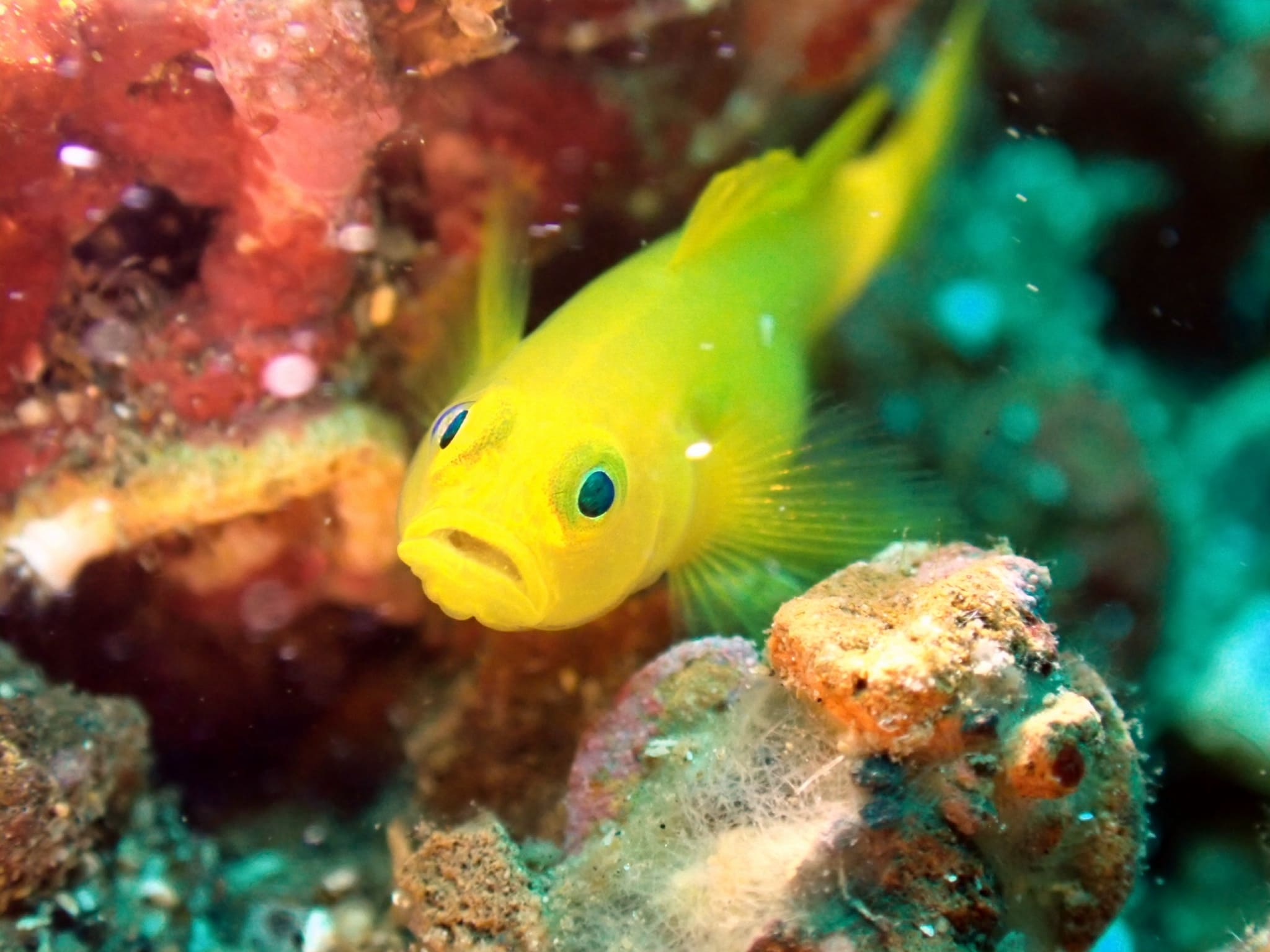
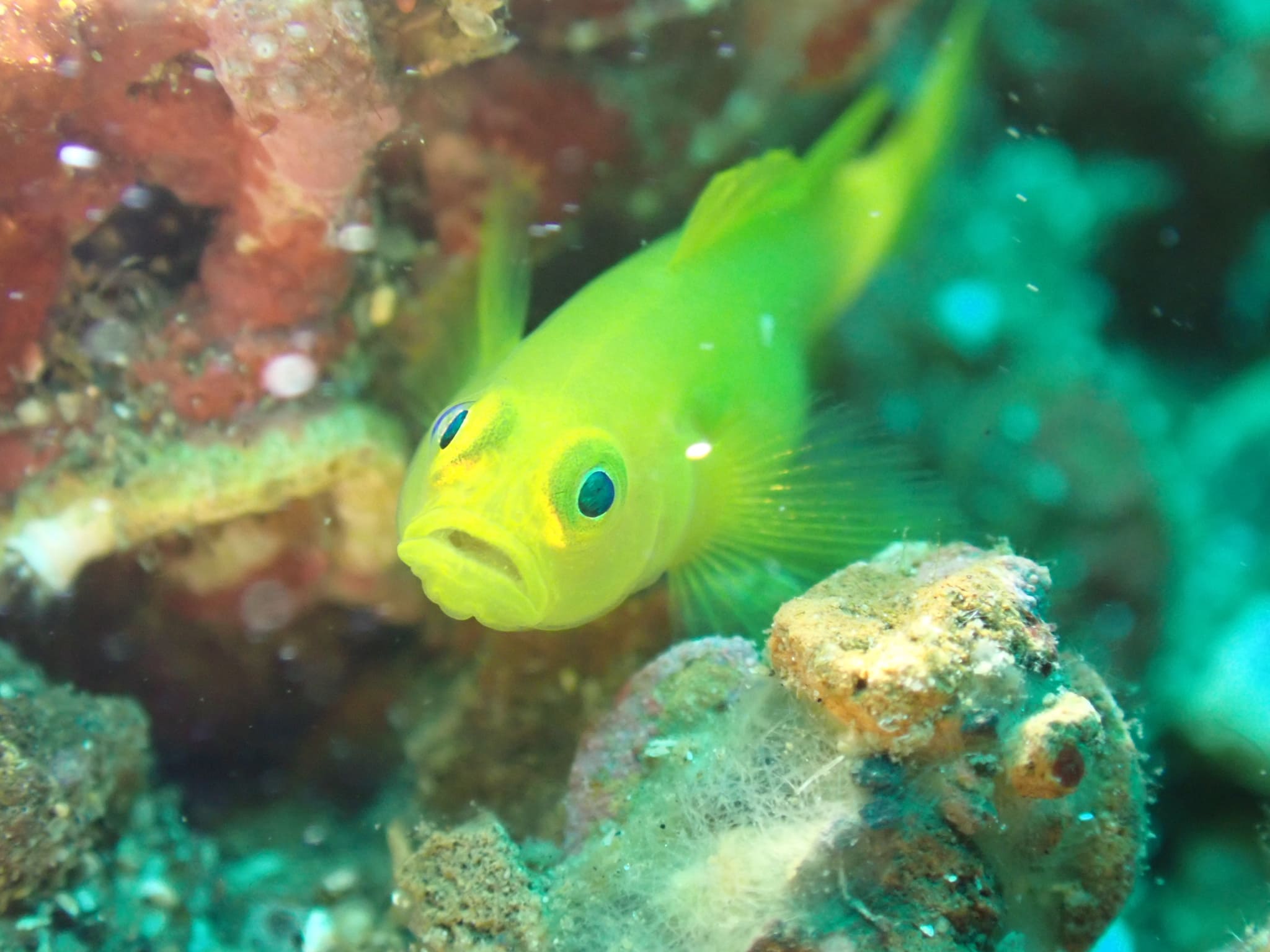
A yellow coral goby in the Lembeh Strait with its natural colors restored by JellyFixThe same yellow coral goby straight out of the camera, drowned in blue by the water−15 m · beforerestored
Drag to compare · Yellow Coral Goby · Lembeh Strait, Indonesia

The descent

Why do underwater photos lose their colors?

Water doesn't treat every color equally. As sunlight travels deeper, the water absorbs the warmest wavelengths first — red begins to fade within the first few meters, followed by orange and then yellow.

A short way down, most of that warm light is simply gone, leaving the blues and greens that give underwater photos their familiar flat cast. It isn't your camera — the color was filtered out before the light ever reached the lens.

DEPTH ↓0 m10 m20 m30 m40 mRED~5 mORANGE~11 mYELLOW~20 mGREEN~32 mBLUE40 m+
Approximate light penetration in clear tropical water. Warm colors are absorbed first — which is why everything below the surface drifts toward blue.

The fix · 3 steps

How JellyFix works

  1. 01

    Choose your underwater photo.

    Pick any shot from your camera roll to begin.

  2. 02

    AI restores natural colors.

    JellyFix rebuilds the warmth the water filtered out.

  3. 03

    Export full-resolution image.

    Save at original quality, ready to share.

Dive log

Before & after

Real dives from the Lembeh Strait and Sipadan, restored in a single tap. Open any entry to drag the comparison full size.
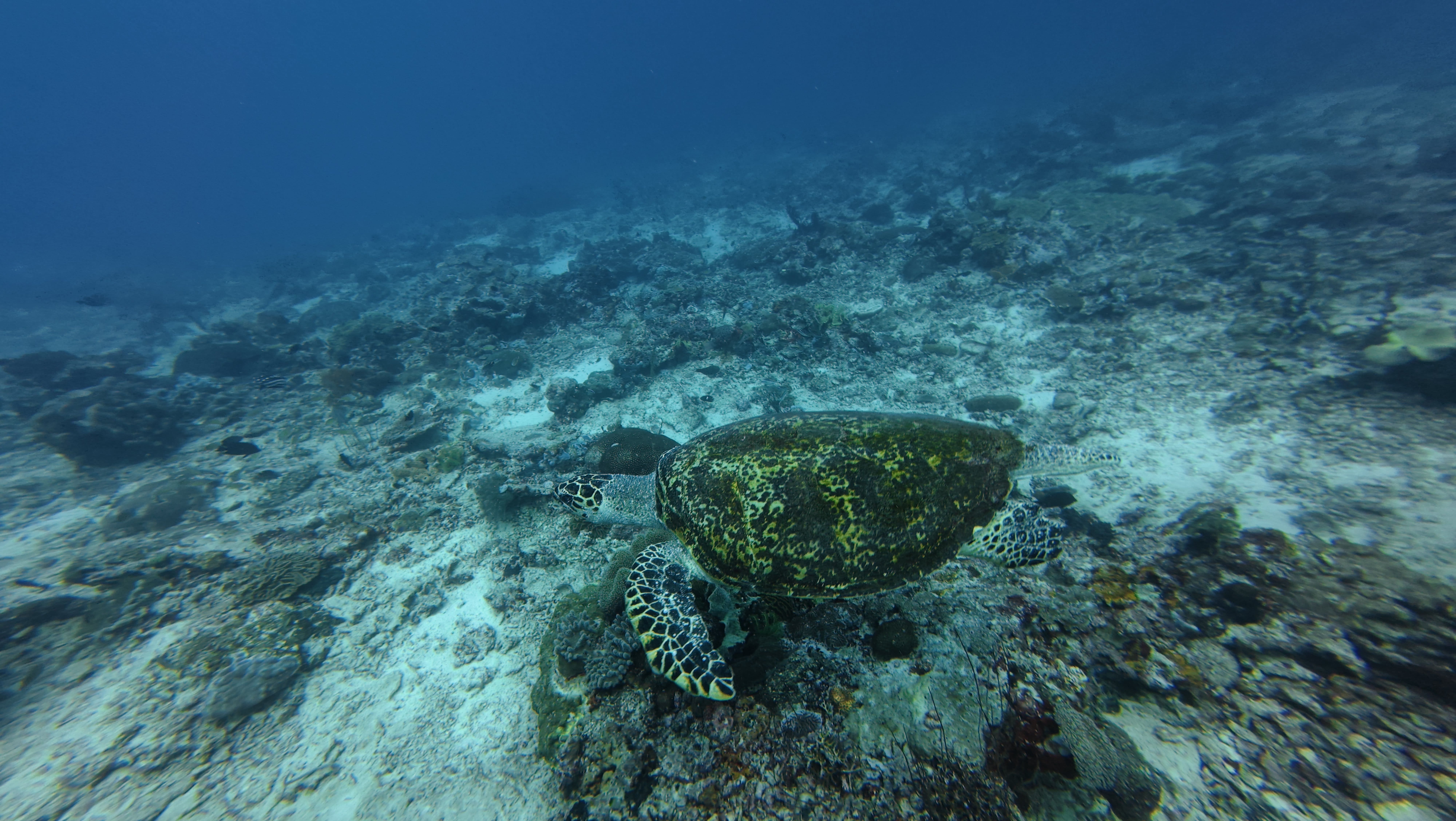
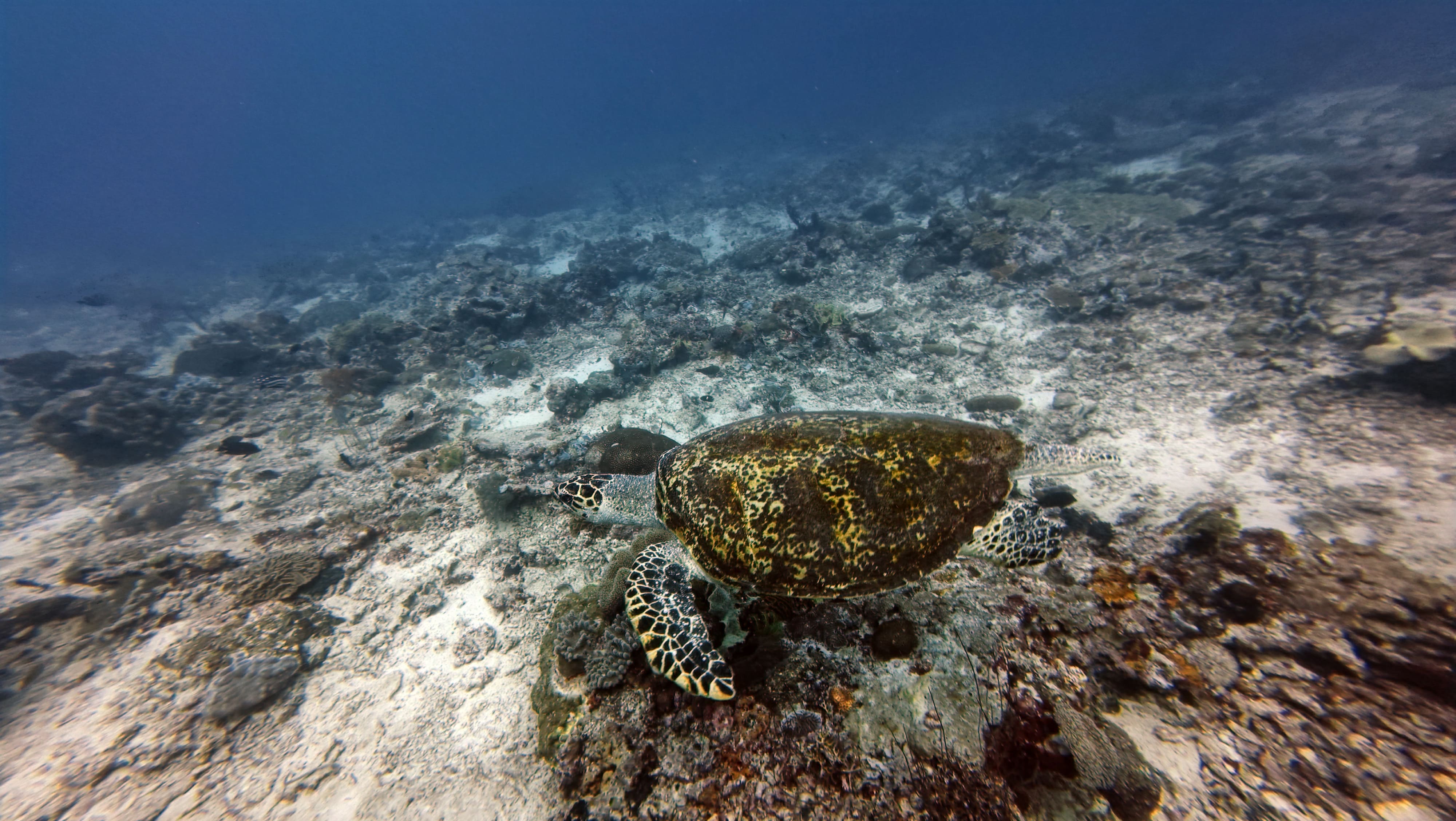
  • Green turtle photographed at Sipadan, MY, unedited and drowned in blue-green water
    Before
    The same green turtle after JellyFix restores its natural color
    After

    Green turtle

    01

    Sipadan, MY · DJI Osmo Action 4 · −12 m
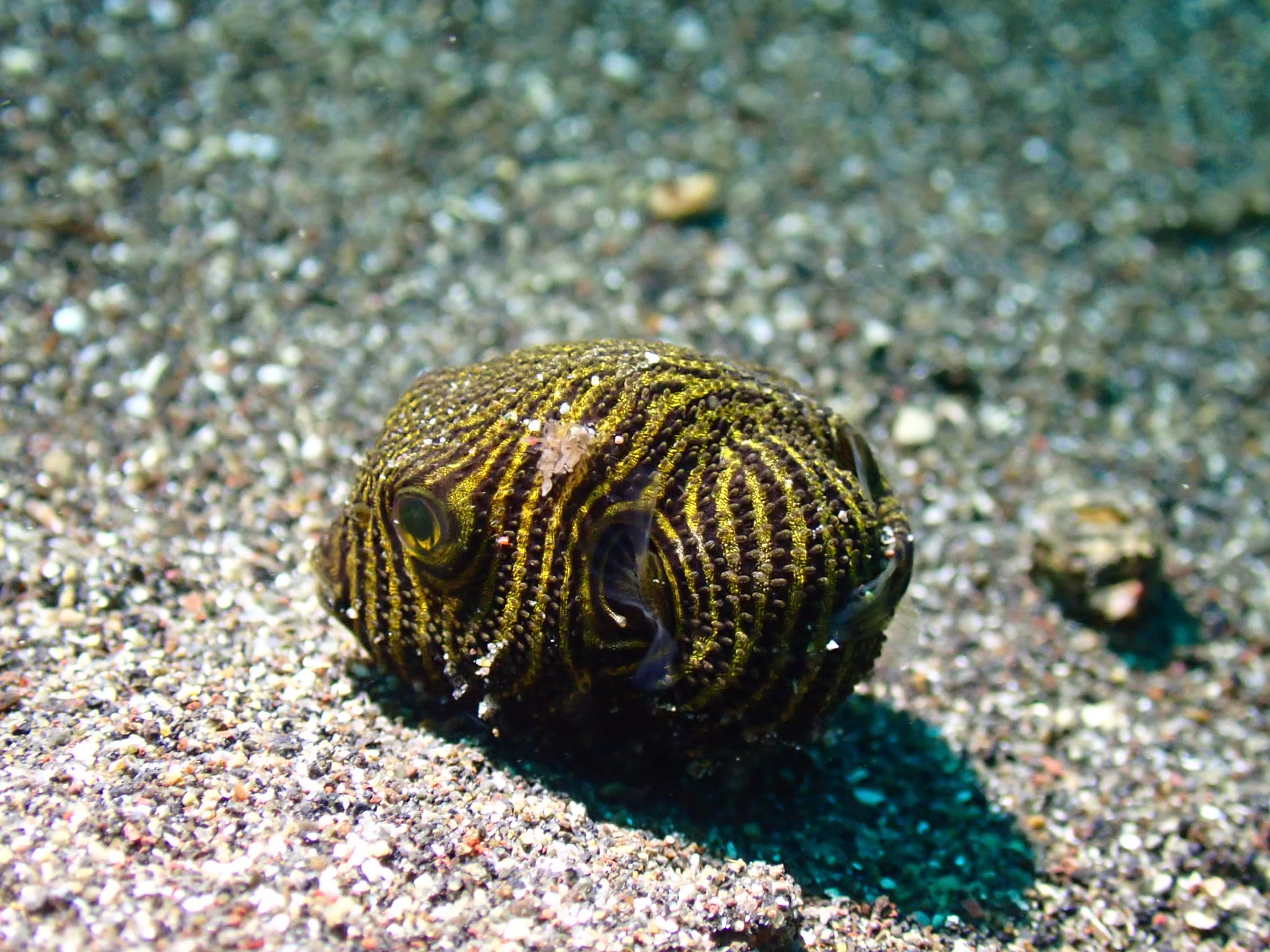
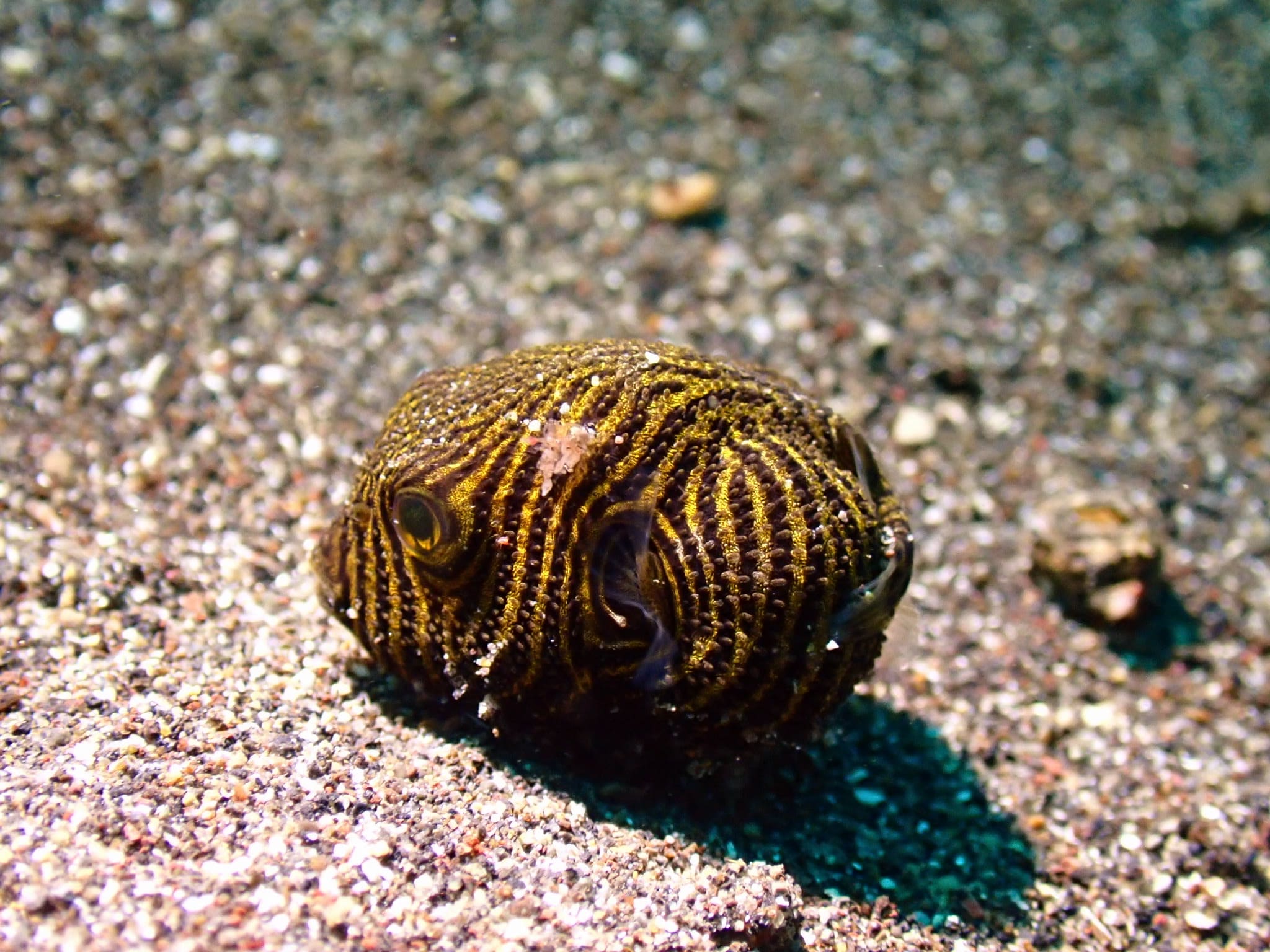
  • Starry puffer photographed at Lembeh Strait, ID, unedited and drowned in blue-green water
    Before
    The same starry puffer after JellyFix restores its natural color
    After

    Starry puffer

    02

    Lembeh Strait, ID · Olympus TG · −13 m

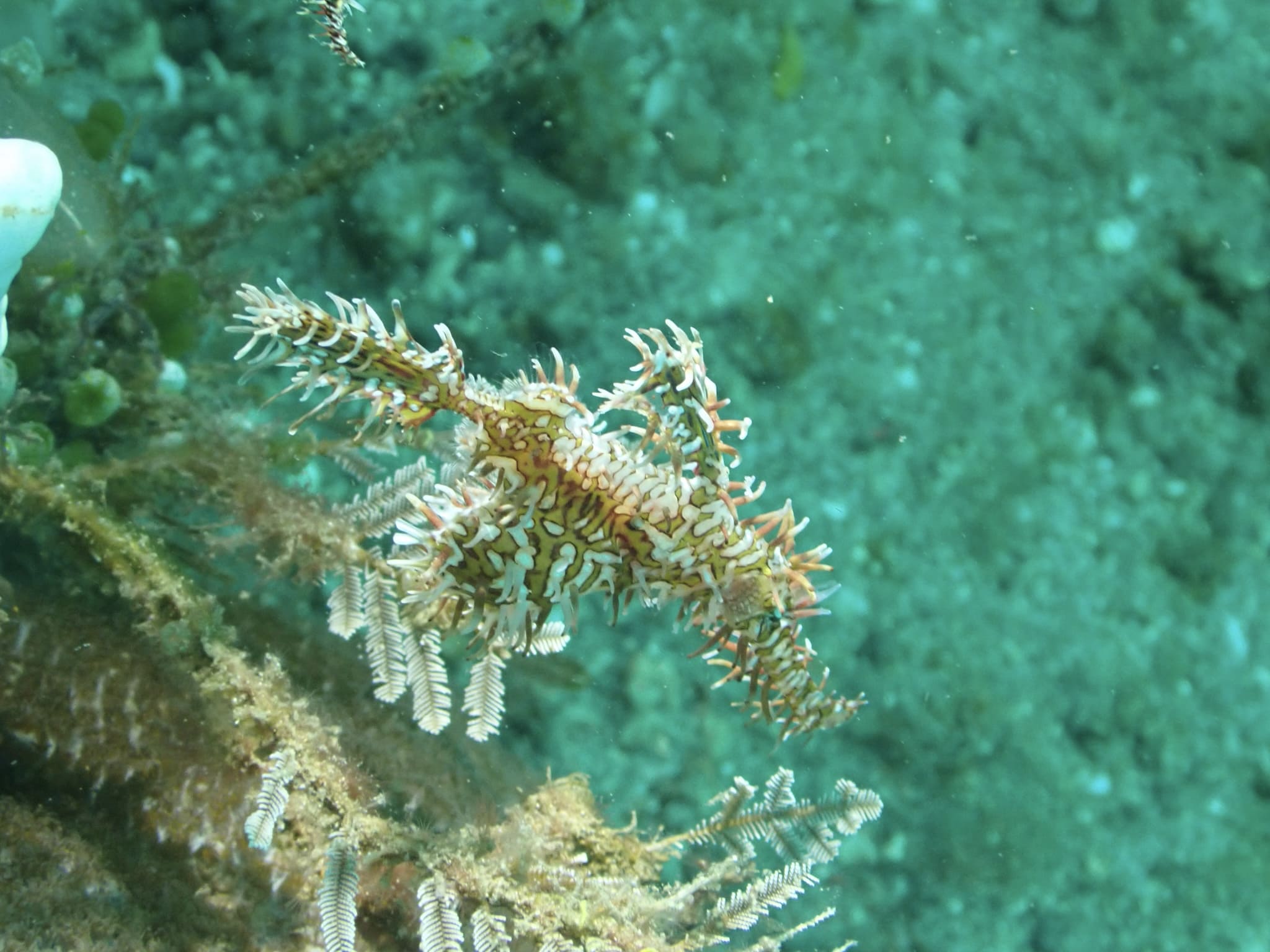
  • Ghost pipefish photographed at Lembeh Strait, ID, unedited and drowned in blue-green water
    Before
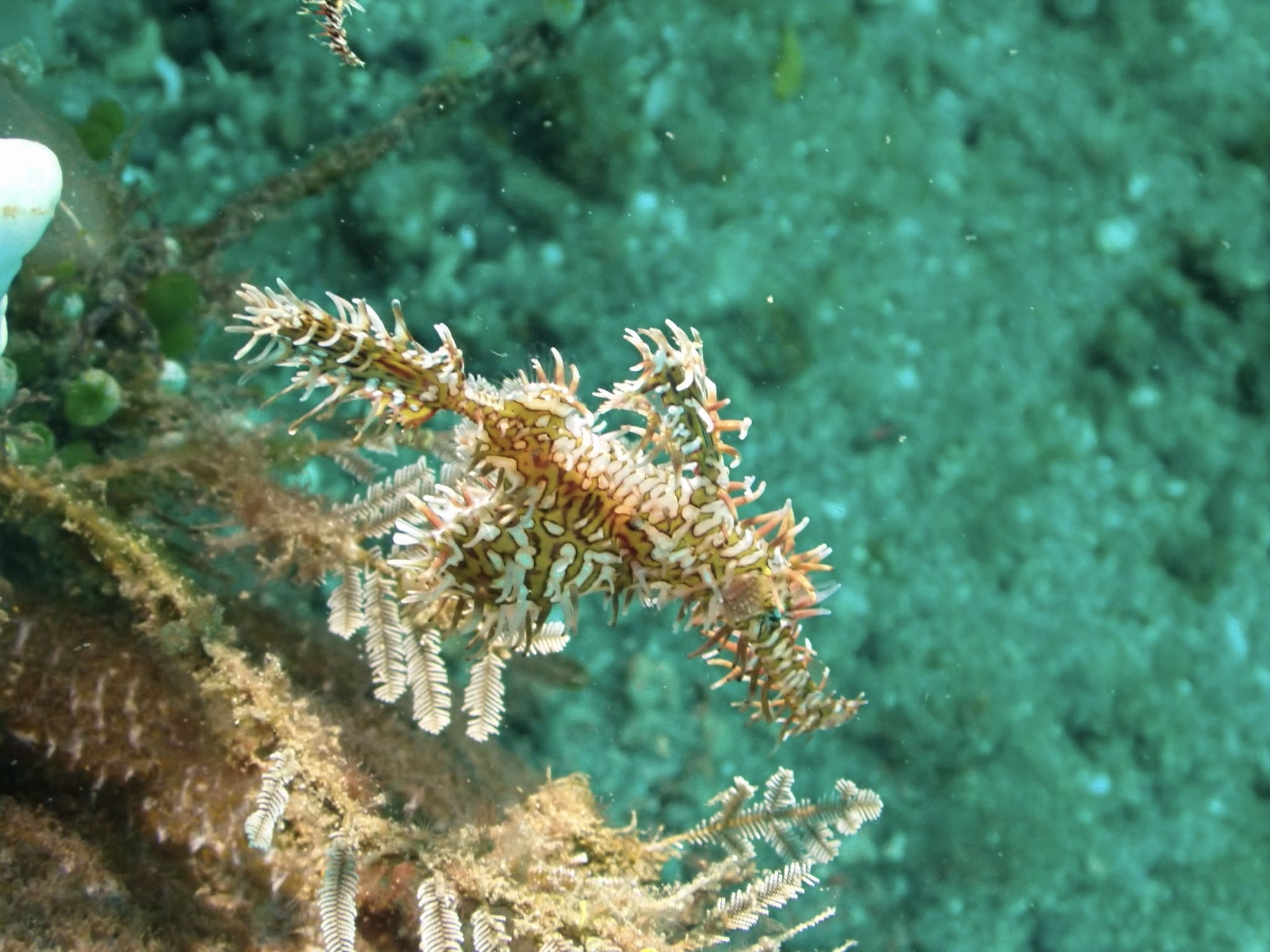
    The same ghost pipefish after JellyFix restores its natural color
    After

    Ghost pipefish

    03

    Lembeh Strait, ID · Olympus TG · −8 m

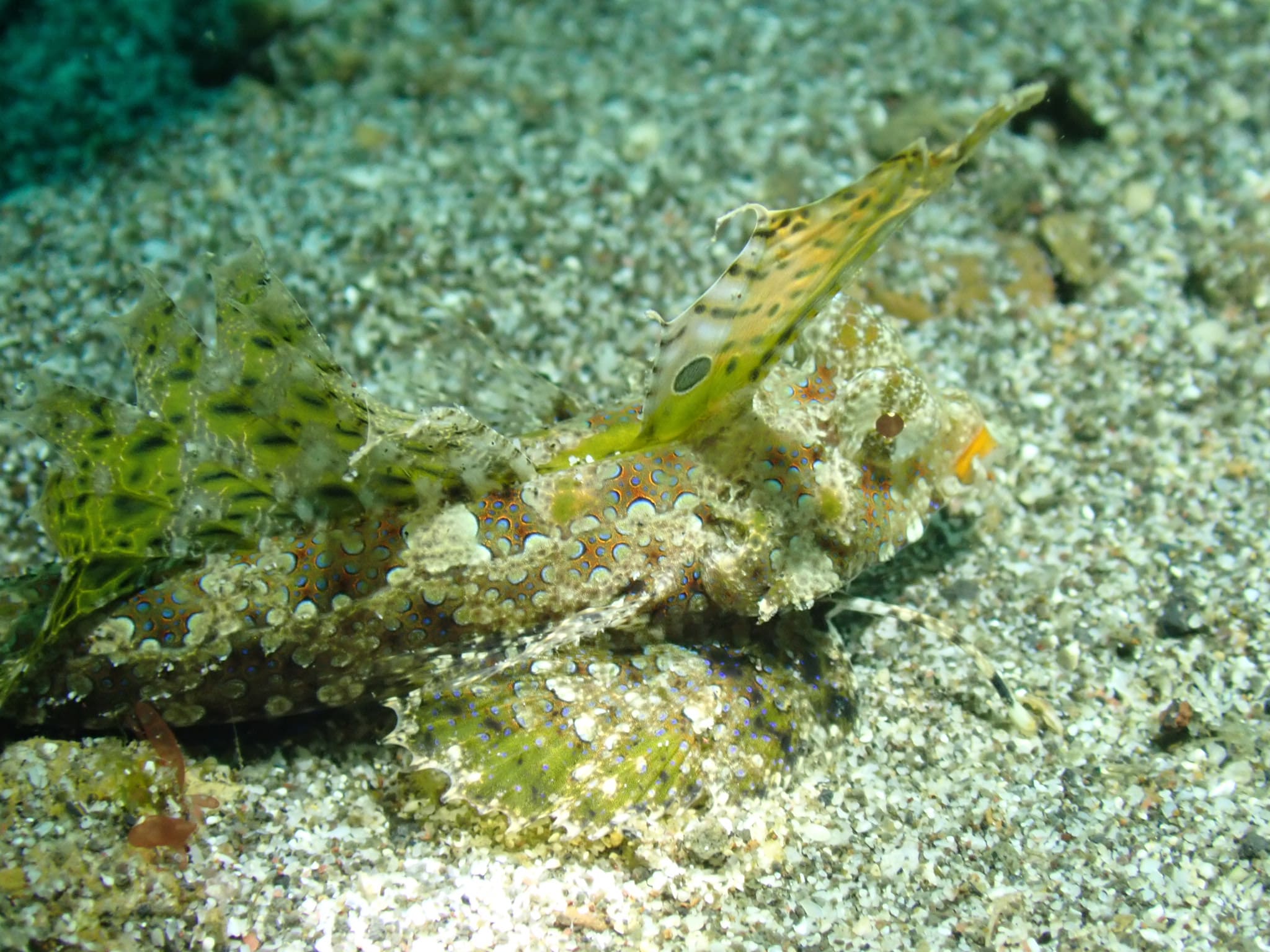
  • Fingered dragonet photographed at Lembeh Strait, ID, unedited and drowned in blue-green water
    Before
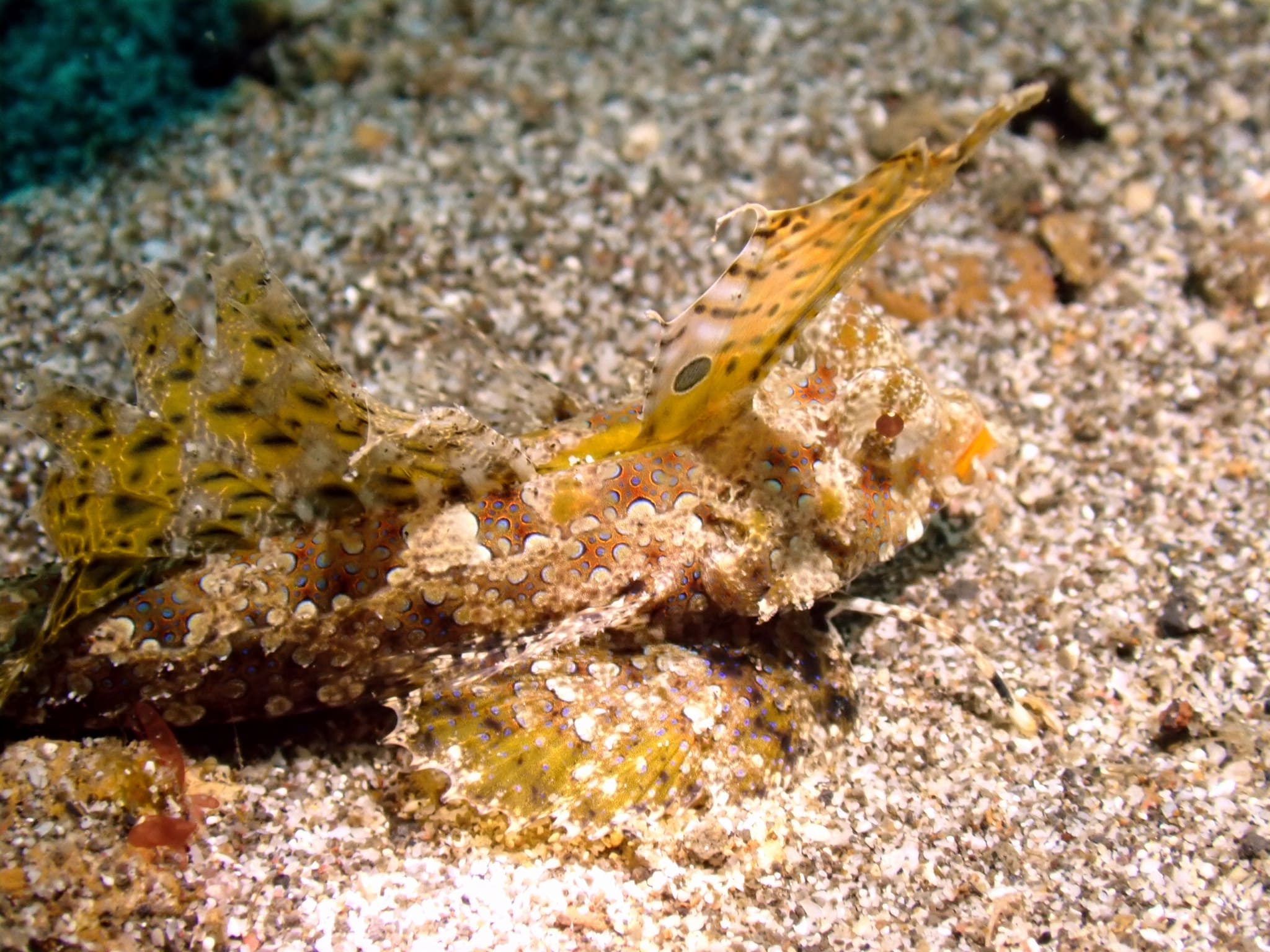
    The same fingered dragonet after JellyFix restores its natural color
    After

    Fingered dragonet

    04

    Lembeh Strait, ID · Olympus TG · −14 m

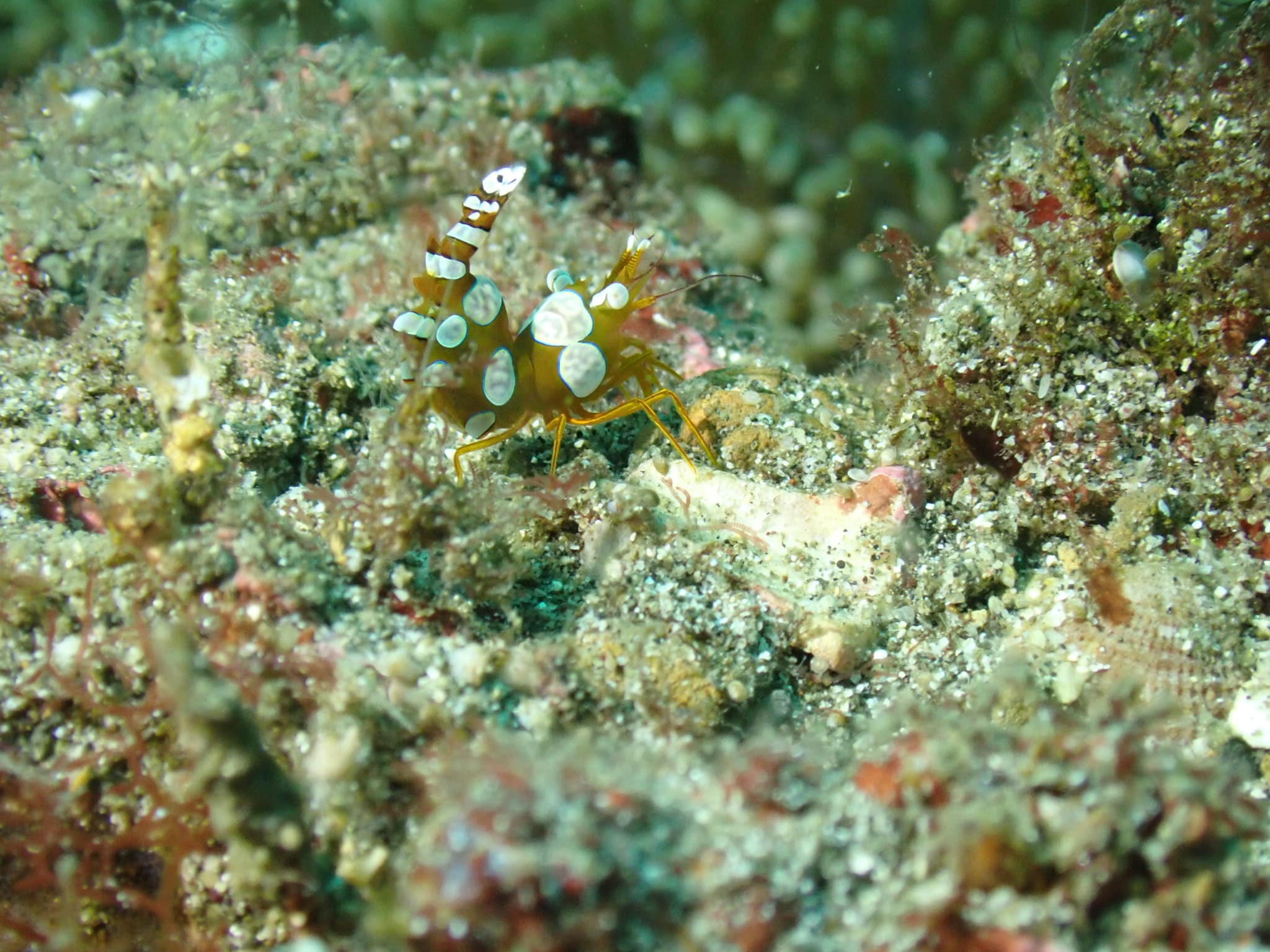
  • Shrimp photographed at Lembeh Strait, ID, unedited and drowned in blue-green water
    Before
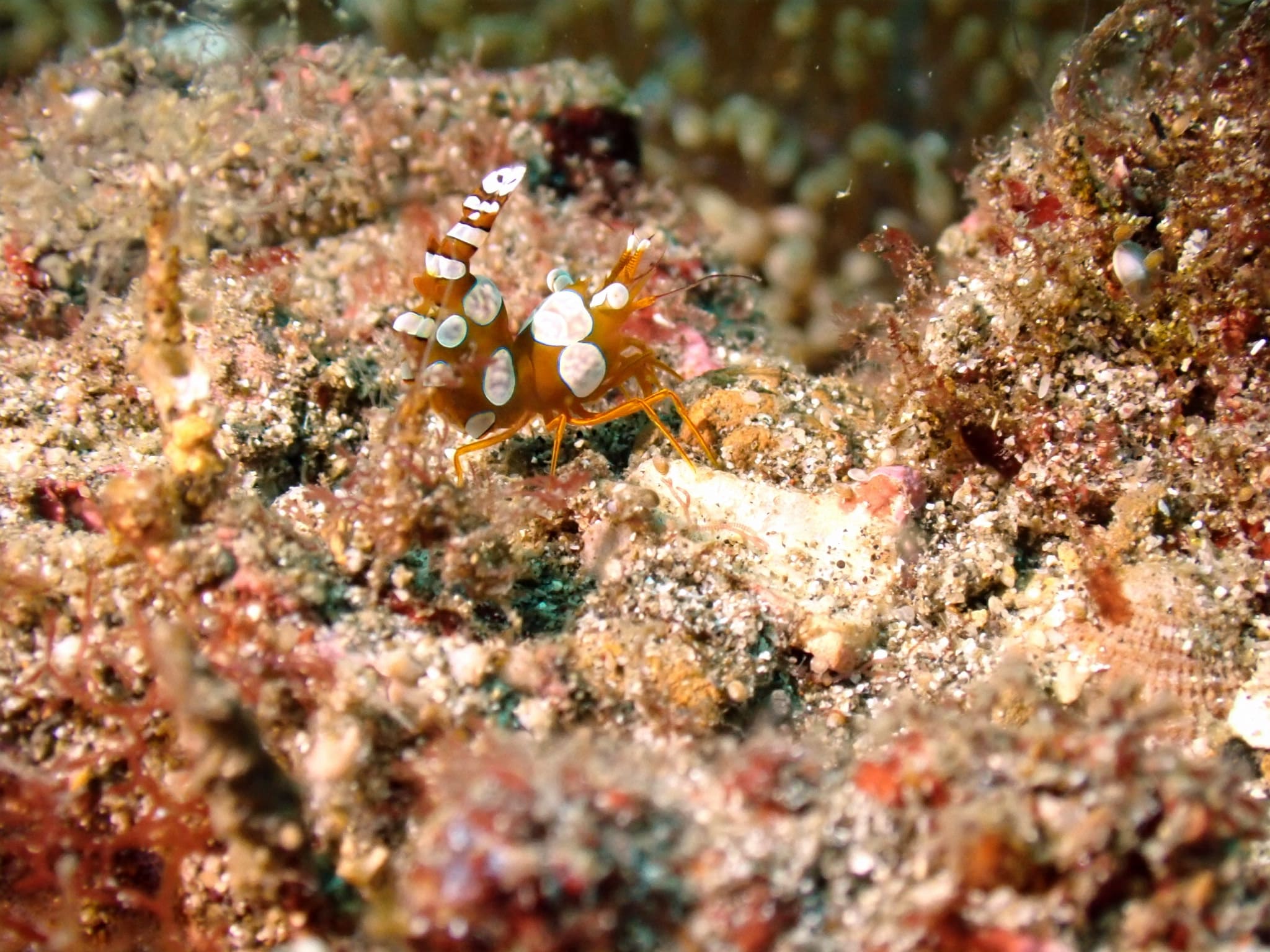
    The same shrimp after JellyFix restores its natural color
    After

    Shrimp

    05

    Lembeh Strait, ID · Olympus TG · −15 m

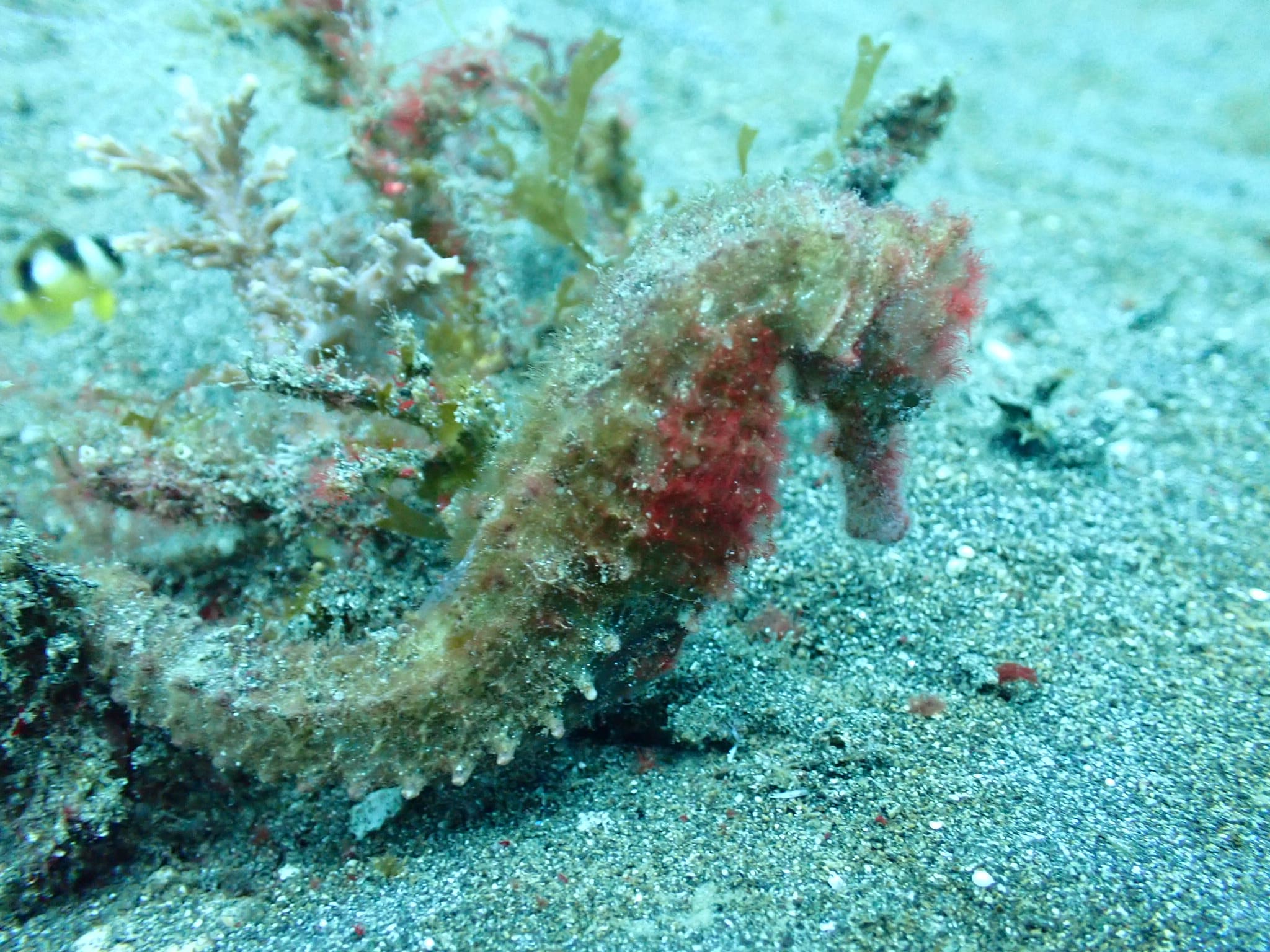
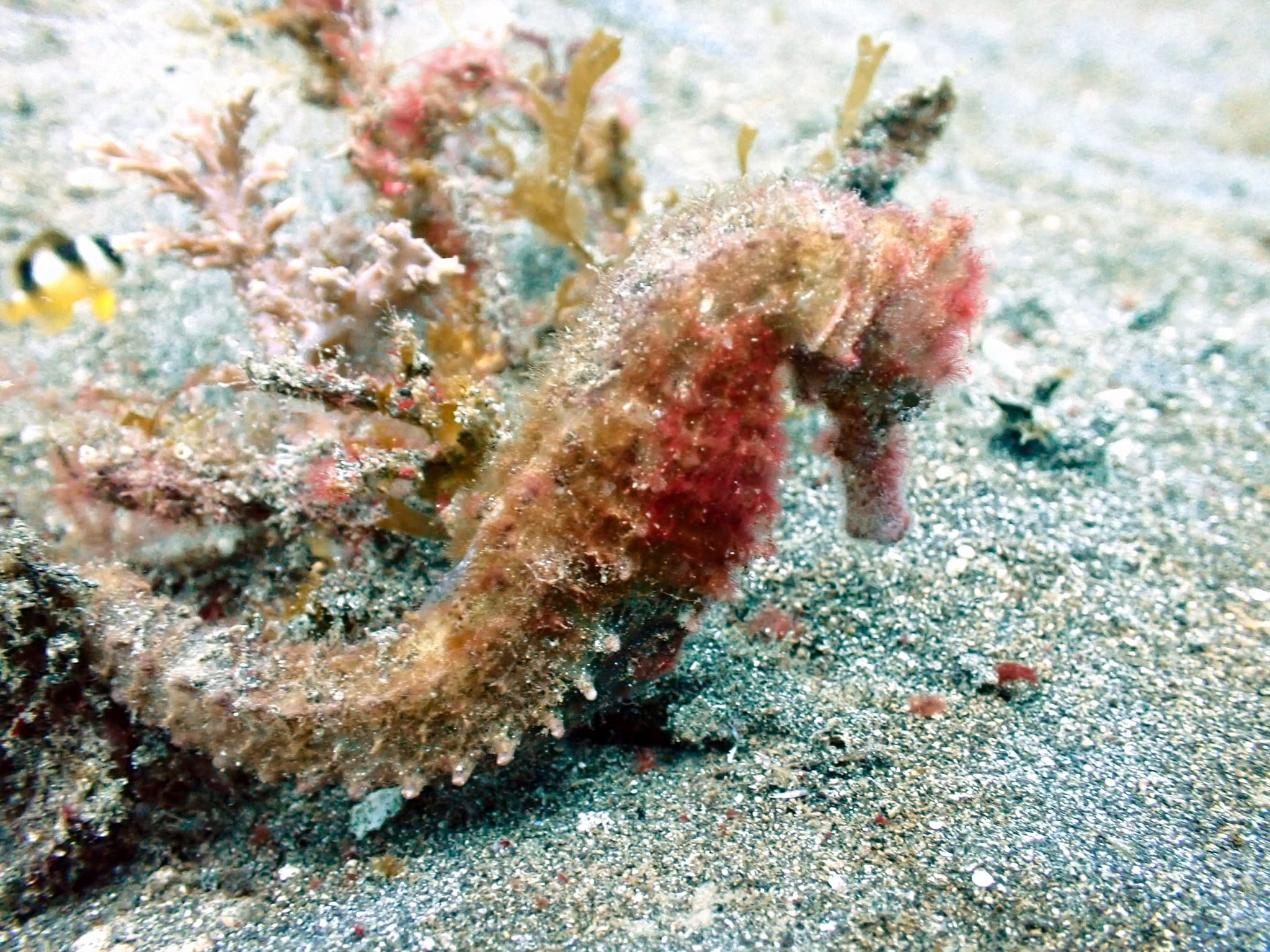
  • Sea Horse photographed at Lembeh Strait, ID, unedited and drowned in blue-green water
    Before
    The same sea horse after JellyFix restores its natural color
    After

    Sea Horse

    06

    Lembeh Strait, ID · Olympus TG · −6 m

Gear

Supported cameras

  • GoPro
  • DJI
  • Insta360
  • Olympus
  • Sony
  • Canon
  • Nikon

Field notes

Frequently asked questions

Why do underwater photos look blue?
As you go deeper, water absorbs the warm end of the spectrum first — red, then orange and yellow — leaving mostly blue and green light. That shift is what gives underwater photos their blue or green cast.
Can AI restore underwater photos?
Yes. JellyFix analyzes how the water shifted your colors and rebuilds a natural-looking image. It works best when the photo still holds some color detail — it rebalances what was captured rather than inventing what the water removed.
Does JellyFix work offline?
Yes. Photos are processed right on your device, so you can restore them without an internet connection — and your images never leave your phone.
Which cameras are supported?
Any underwater camera. JellyFix works with photos from action cameras like GoPro, DJI, and Insta360, waterproof compacts, and mirrorless or DSLR cameras from Sony, Canon, and Nikon.
Does JellyFix support RAW photos?
JellyFix works with standard photo files — JPEG and HEIC — which is what most phones and cameras already save. If you shoot RAW, export or convert to JPEG or HEIC first, then open it in JellyFix and it will restore the color at full resolution, entirely on your device.

Resurface

Bring Your Underwater Memories Back to Life

Free to download. One tap to restore.